
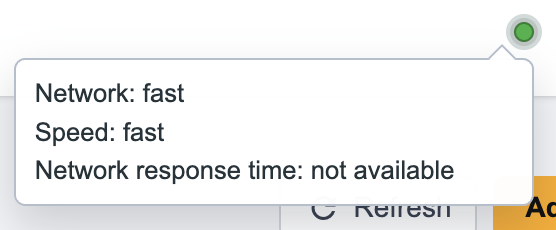
The network indicator light gives an indication of your internet speed:
green: good
orange: not very good
red: poor
You can use Speedtest to test your connection yourself.
Here are concise, practical steps to improve your internet connection and speed, ordered from easiest to more involved:
Quick checks and fixes
- Restart router and modem: power off 30s, then power on modem first, then router.
- Reboot your device.
- Test speed: use a speed test (wired to router for baseline). Compare to your plan.
- Move closer to the router or remove obstacles between device and router.
- Use wired Ethernet for critical devices — faster and more reliable than Wi‑Fi.
- Limit background use: close streaming, large downloads, cloud backups, and unused apps.
Wi‑Fi improvements
- Change Wi‑Fi channel: switch to less congested 2.4 GHz channel or use 5 GHz for speed/less interference.
- Use 5 GHz for nearby devices; 2.4 GHz for longer range. If available, enable Wi‑Fi 6 (if supported).
- Place router centrally and elevated; avoid metal, mirrors, microwaves.
- Reduce interference: move cordless phones, baby monitors, Bluetooth devices away.
- Use Quality of Service (QoS) to prioritize gaming/meeting/streaming traffic.
- Enable WPA3 or WPA2 security and use a strong password to prevent neighbors from using your network.
Hardware upgrades
- Replace old router/modem (>= last 4–5 years). Look for dual‑band/tri‑band or Wi‑Fi 6 if you have many devices.
- Consider a mesh Wi‑Fi system for large homes or dead zones.
- Use powerline adapters or MoCA (coax) adapters if Ethernet runs aren’t practical.
- Upgrade Ethernet cables to Cat5e/Cat6 for gigabit speeds.