
We know we’re not perfect — but we are committed to improving the Sensing Clues platform every single day. Listening to your feedback and continuously refining the platform is an important part of that journey. In January, we fixed the following issues:
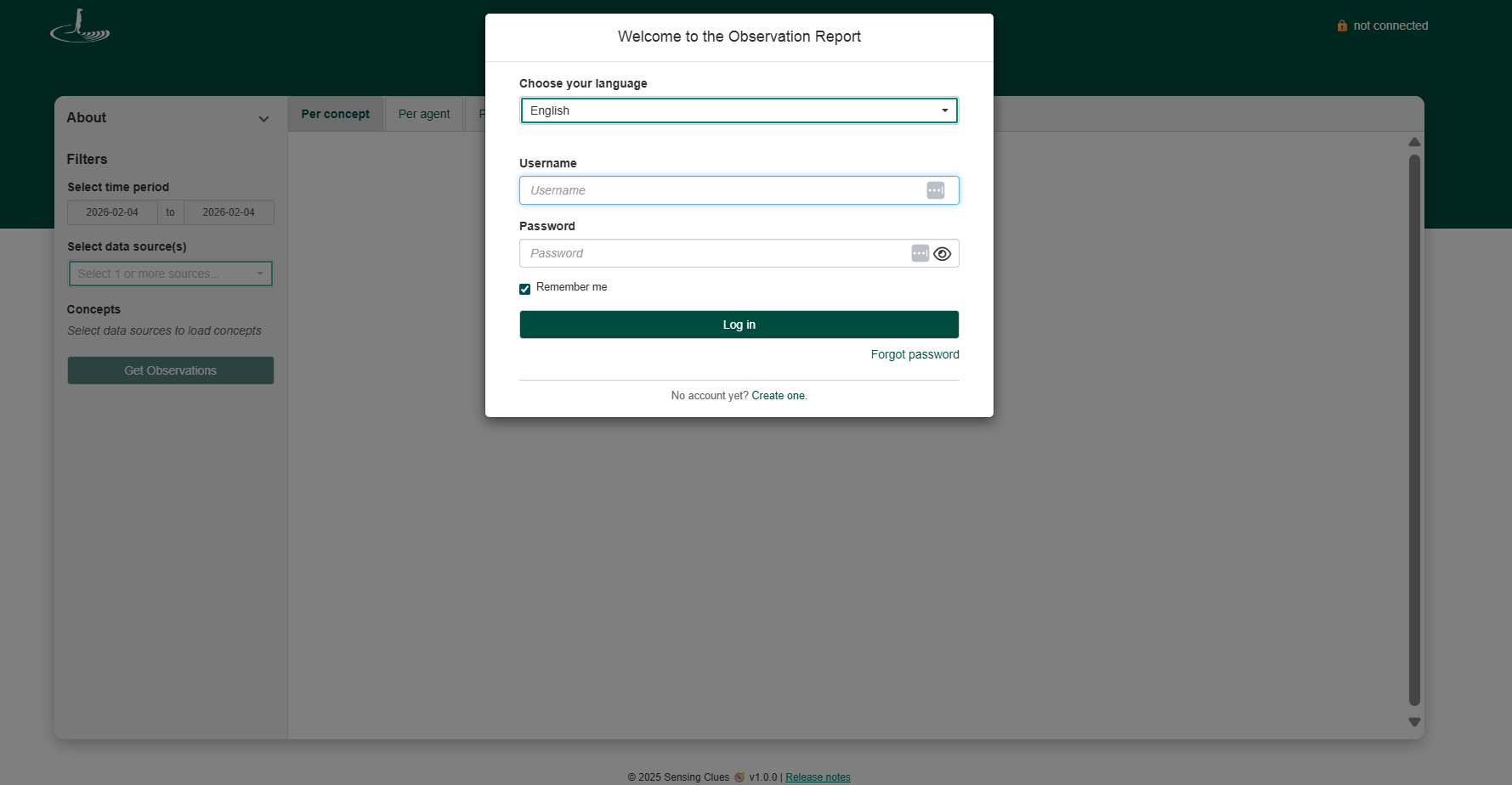
1. Remember Me Function – All Maps & Reports
Previously, when a user selected the "Remember me" option in the Analytical Toolbox (maps or reports) and started a new session, an error message stating "invalid credentials" could occur.
✔️ This issue has now been fixed.
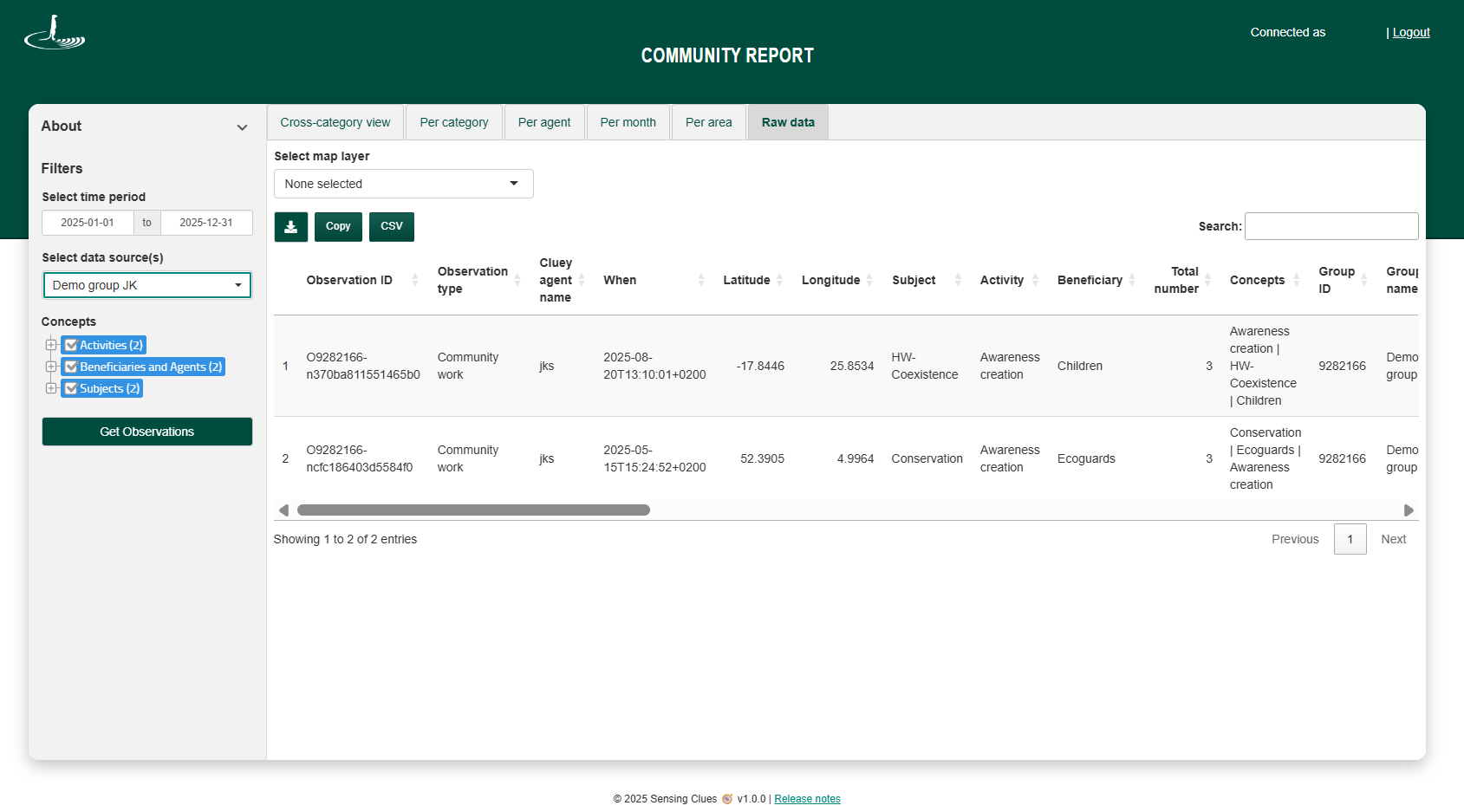
2. Raw Data – Community Work Report
Previously, viewing or downloading Raw Data in the Community Work Report required selecting a map layer first.
✔️ It is now possible to view and download Raw Data without selecting a map layer.
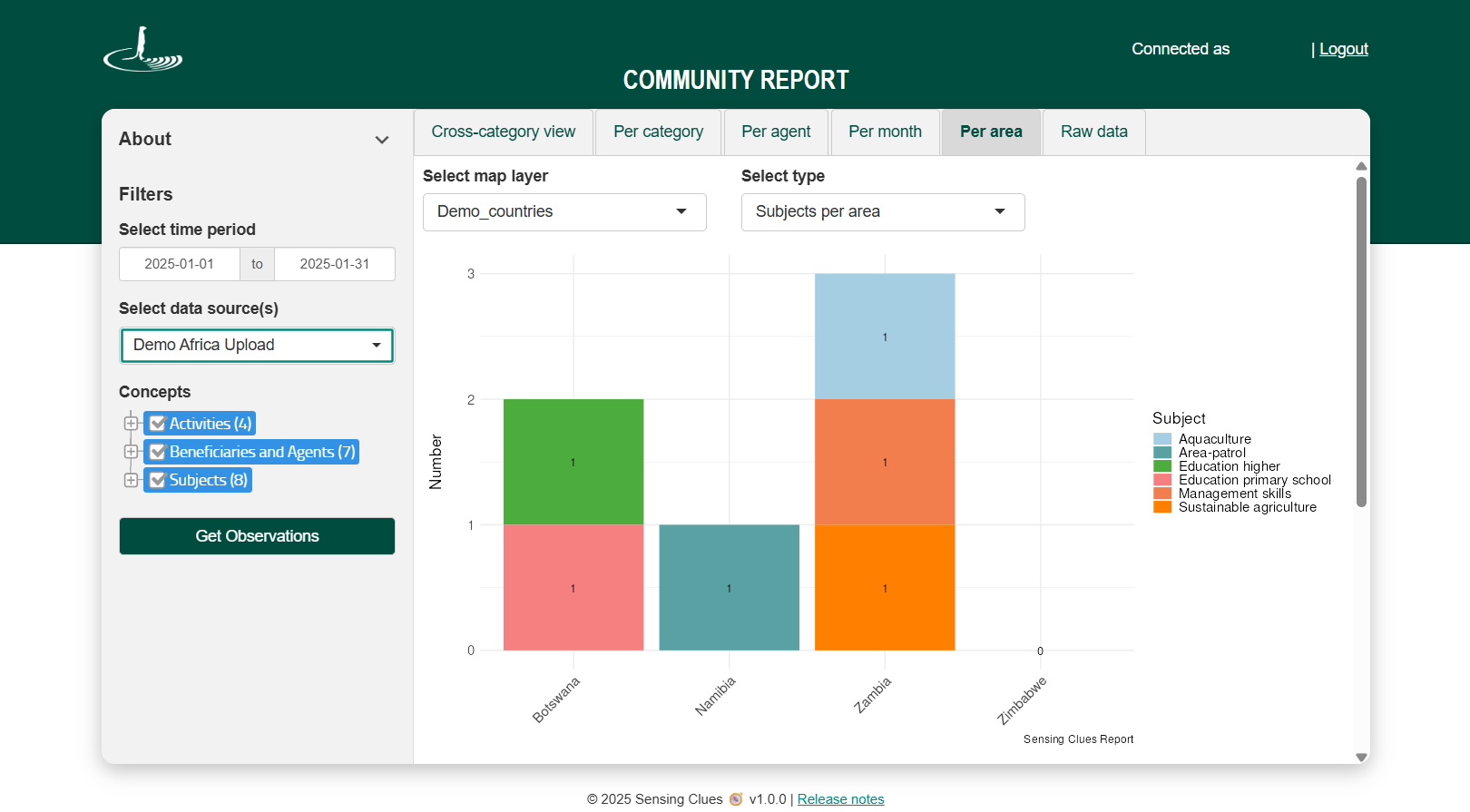
3. Per Area – Community Work Report
✔️ In the Per Area tab of the Community Work Report, all sub-areas of your map layer are now always displayed — even if they have zero observations. This helps provide a more complete picture and ensures that areas without activity are still visible (eg. Zimbabwe in the image below).
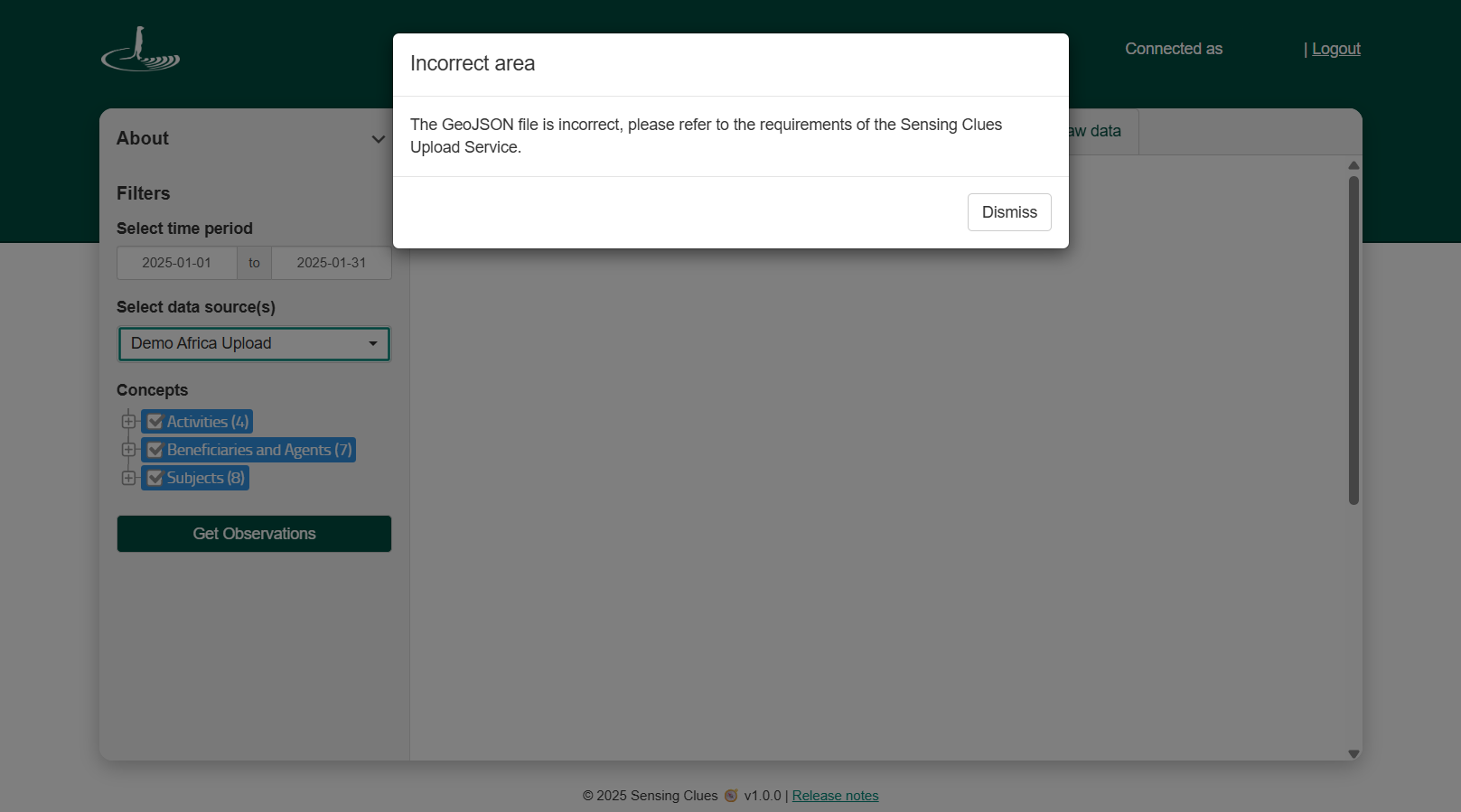
✔️ Please note that the Per Area tab works only when the map layer follows our standards and includes a NAME attribute to distinguish sub-areas. If this requirement is not met, an "incorrect area" error message will now be shown to guide you.
Thank you for your feedback, understanding, and patience, and for being part of our journey to make Sensing Clues better, step by step.