
The new Show Icon feature is now available in the Observation Map, giving you a clearer and more visual way to explore concept-based observations. This feature allows you to quickly identify concepts on the map while keeping control over how much visual detail is displayed.
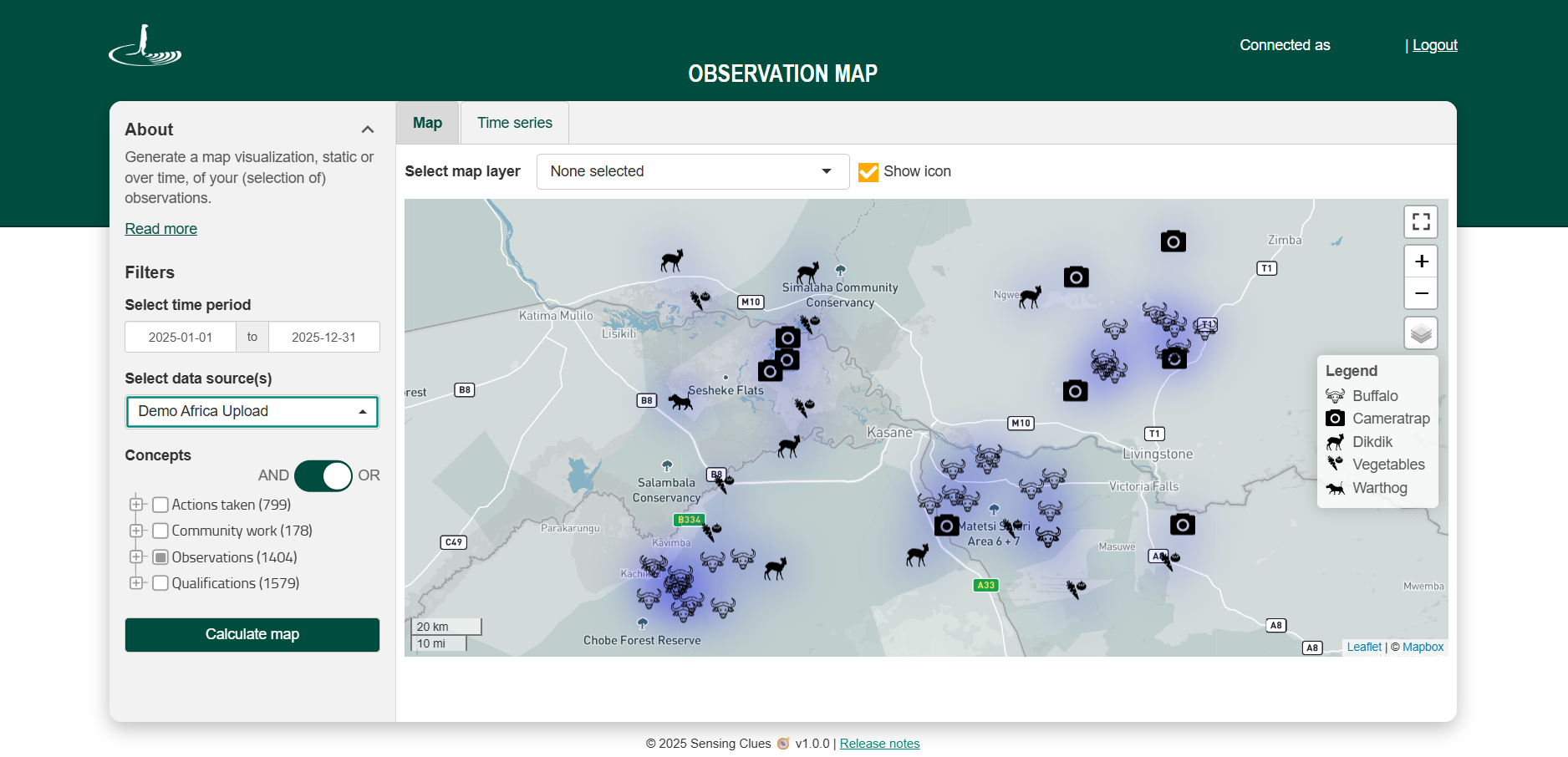
When "Show icon" is enabled:
Icons appear on the map to represent selected concepts and can be toggled on or off at any time.
A multilingual icon legend is available to help you interpret the displayed icons.
Up to 9 icons can be shown at once. If more than 9 concepts are selected, a user message will prompt you to reduce your selection.
If no icon is available for a selected concept, a question mark icon is displayed. Clicking the question mark reveals which concept it represents.
If you would like an icon added for a specific concept, please contact us.